Avoid Stockouts
See demand and reorder needs before inventory gets too low.

Inventory planning for Shopify, Amazon, and multichannel sellers, backed by a secure cloud platform. Turn your existing CSV data into demand forecasts, reorder plans, and supplier purchase recommendations.
30-day free trial · No credit card required
Download from Microsoft StoreNo store API connection required • PO draft generation • Supplier lead-time planning
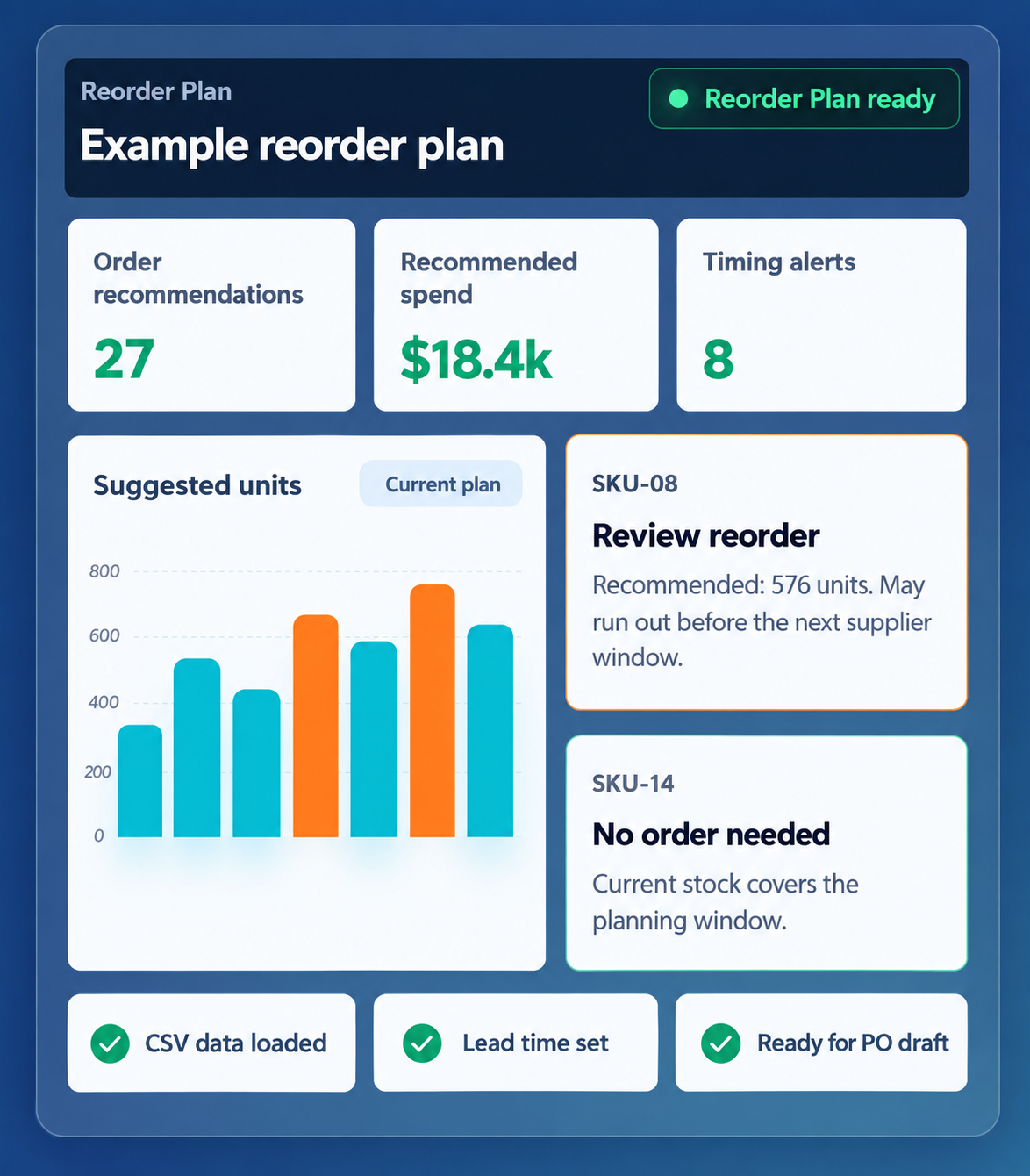
Avoid stockouts. Reduce overstock. Know what to order next.
See demand and reorder needs before inventory gets too low.
Use forecasts and inventory coverage to avoid buying more than you need.
Turn sales, inventory, lead times, and supplier rules into practical reorder recommendations and purchase plans.

Review demand, current inventory and supplier requirements together. Then turn your reorder decisions into purchase-order drafts you can review.
Supplier lead times, MOQs and order multiples.
Reviewable PO drafts and confirmed incoming stock.
Receipts, partial receipts and corrections.
Stok Metrics is CSV-first by design. Build forecasts and Reorder Plans from exported files without connecting Amazon, Shopify, or marketplace credentials to a new tool.
Spreadsheets become harder to maintain as products, channels, suppliers, and reorder decisions grow. Stok Metrics helps you see what to buy next, how much to order, and when.


Stok Metrics is designed for sellers moving beyond spreadsheets, not for companies that need a months-long ERP implementation or live store API project.
Selling on Amazon too? Stok Metrics works well for Amazon and multichannel sellers who want forecasting, inventory visibility, and reorder planning without moving into a full ERP. Bring your sales, inventory, product, and supplier data by CSV and plan from one focused workspace.
Products, Current Inventory, and Sales Orders are the foundational files. Supplier Rules are optional for initial readiness and add supplier-aware planning.
Each recommendation keeps demand, lead time, and supplier constraints visible, so you can approve or adjust the Reorder Plan with context.

See recent demand, next 7-day and 30-day totals, confidence, promo sensitivity, and holiday uplift in plain language.
Keep Stok Metrics' recommended quantity visible while you edit the order quantity your business will actually place.
Use lead times, costs, MOQs, pack sizes, and payment terms so the suggested buy is practical, not theoretical.
Sort by urgency, review suggested units and projected cost, then open the explanation when a row needs judgment. Instead of rebuilding the spreadsheet every week, you work from one reviewable Reorder Plan.
Download from Microsoft Store
Build a draft, send it to your supplier, then mark it ordered only after the supplier confirms or the order is placed. Future recommendations can account for confirmed incoming units without treating every draft like real inventory.

The video shows the core flow: upload your CSVs, review the Reorder Plan, understand the forecast, adjust quantities, generate a PO draft, and confirm stock once the supplier order is placed.
Get Stok Metrics from Microsoft Store, then install and open the app. Enter your email and verify the code. After successful email verification, review the Terms of Service and Privacy Policy. Agree to the Terms and acknowledge the Privacy Policy to activate a new account and start its 30-day trial. Existing customers return to the same account and trial history. No password or credit card is needed.
CSV uploads let sellers start forecasting without handing over live store credentials, waiting on API approvals, or depending on live store connections before they can plan.
Start with Products, Current Inventory, and Sales Orders. That’s enough for Stok Metrics to build your Forecast and Reorder Plan. Supplier Rules can be added when you’re ready to include supplier lead times, costs, MOQs, order multiples, and purchase-order planning.
No. Stok Metrics does not need customer names, emails, phone numbers, shipping addresses, or payment data. The app is designed around sales dates, SKUs, quantities, inventory, product details, supplier rules, costs, and lead times.
If your Products, Current Inventory, and Sales Orders files are ready, the goal is to move from upload to a first reviewable forecast and Reorder Plan during onboarding. Supplier Rules are optional for initial readiness.
You stay in control of your account. You can export your data where available and request deletion according to the Privacy Policy and service terms. Stok Metrics is designed for planning support, not permanent lock-in.
No. A PO draft is only a draft. Stock is counted as incoming only after you confirm the supplier order was actually placed.
No long-term subscription commitment is required. Paid subscriptions renew month-to-month unless you cancel before the next billing date.